
Per-model Defaults
You can set default settings for each model in LM Studio
Advanced
You can set default load settings for each model in LM Studio.
When the model is loaded anywhere in the app (including through lms load) these settings will be used.
Setting default parameters for a model
Head to the My Models tab and click on the gear ⚙️ icon to edit the model's default parameters.
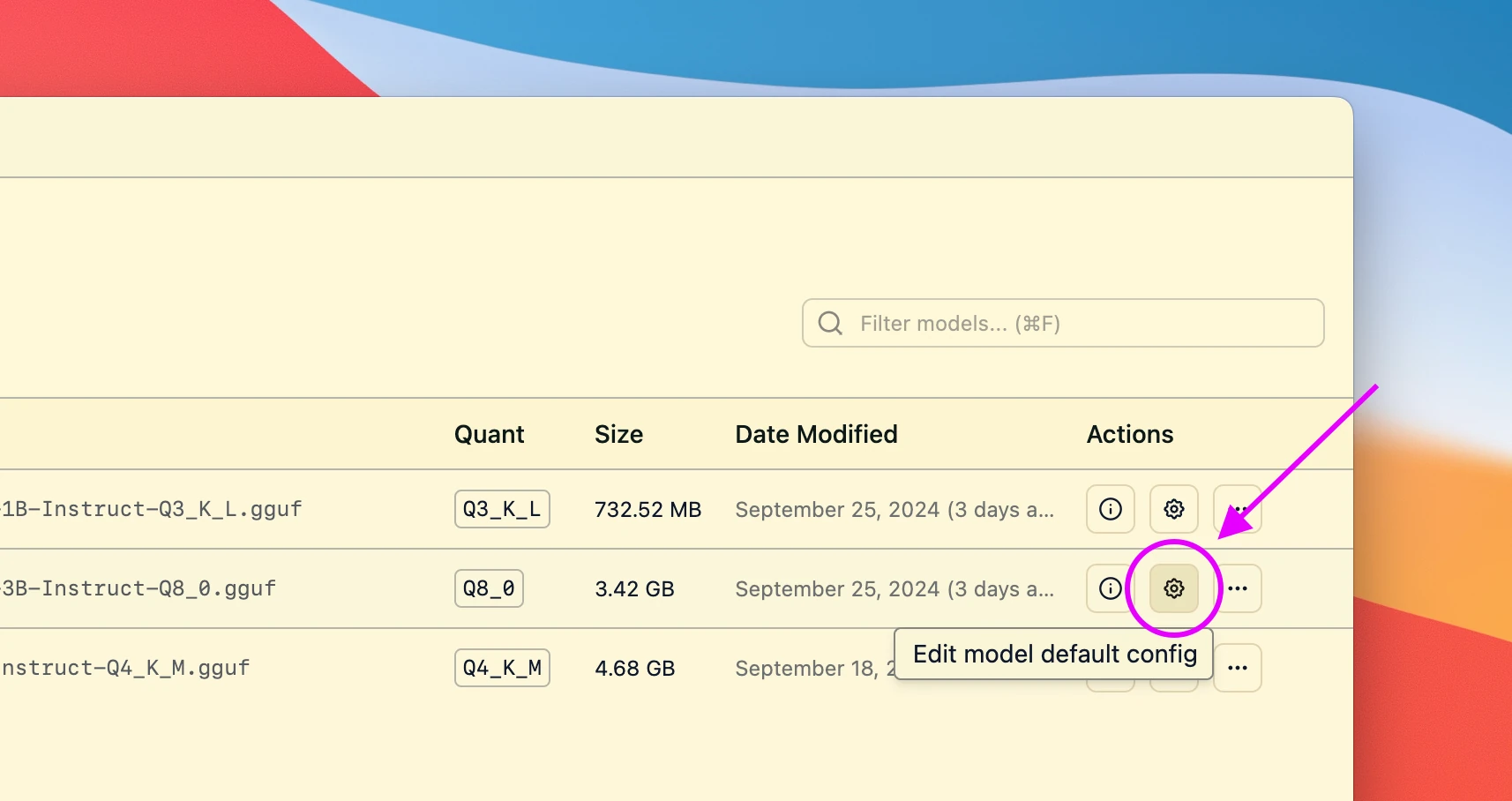
This will open a dialog where you can set the default parameters for the model.
Next time you load the model, these settings will be used.
Advanced Topics
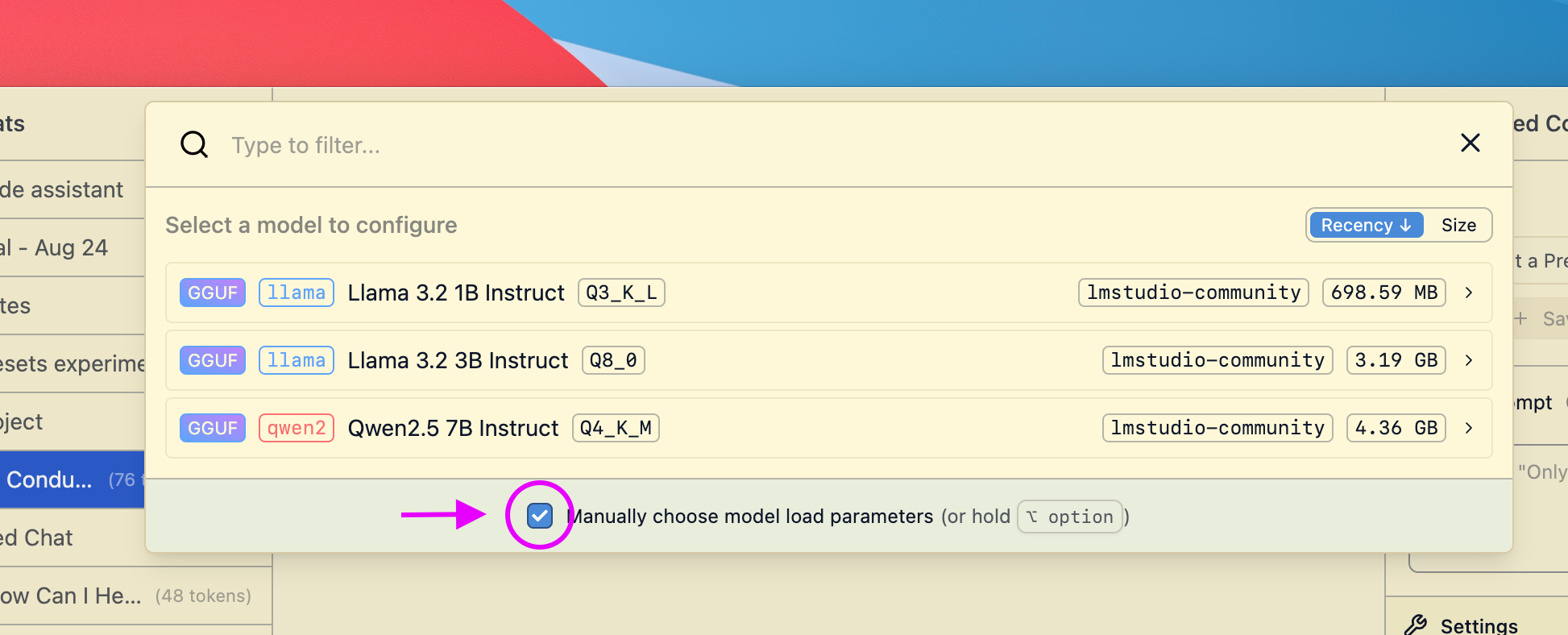
Changing load settings before loading a model
When you load a model, you can optionally change the default load settings.
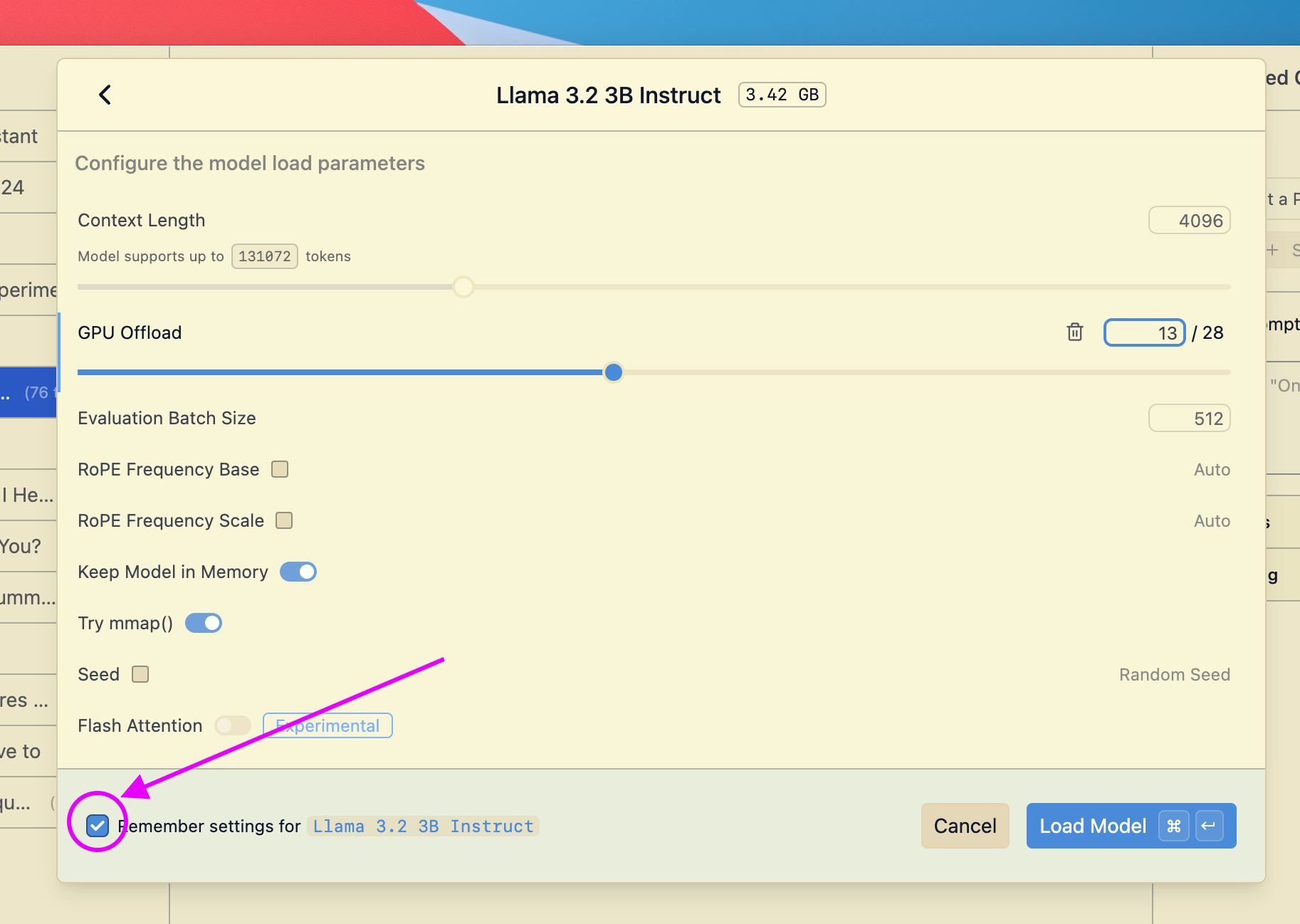
Saving your changes as the default settings for a model
If you make changes to load settings when you load a model, you can save them as the default settings for that model.
Community
Chat with other LM Studio power users, discuss configs, models, hardware, and more on the LM Studio Discord server.