
Authentication
Using API Tokens in LM Studio
Requires LM Studio 0.4.0 or newer.
LM Studio supports API Tokens for authentication, providing a secure and convenient way to access the LM Studio API.
Require Authentication for each request
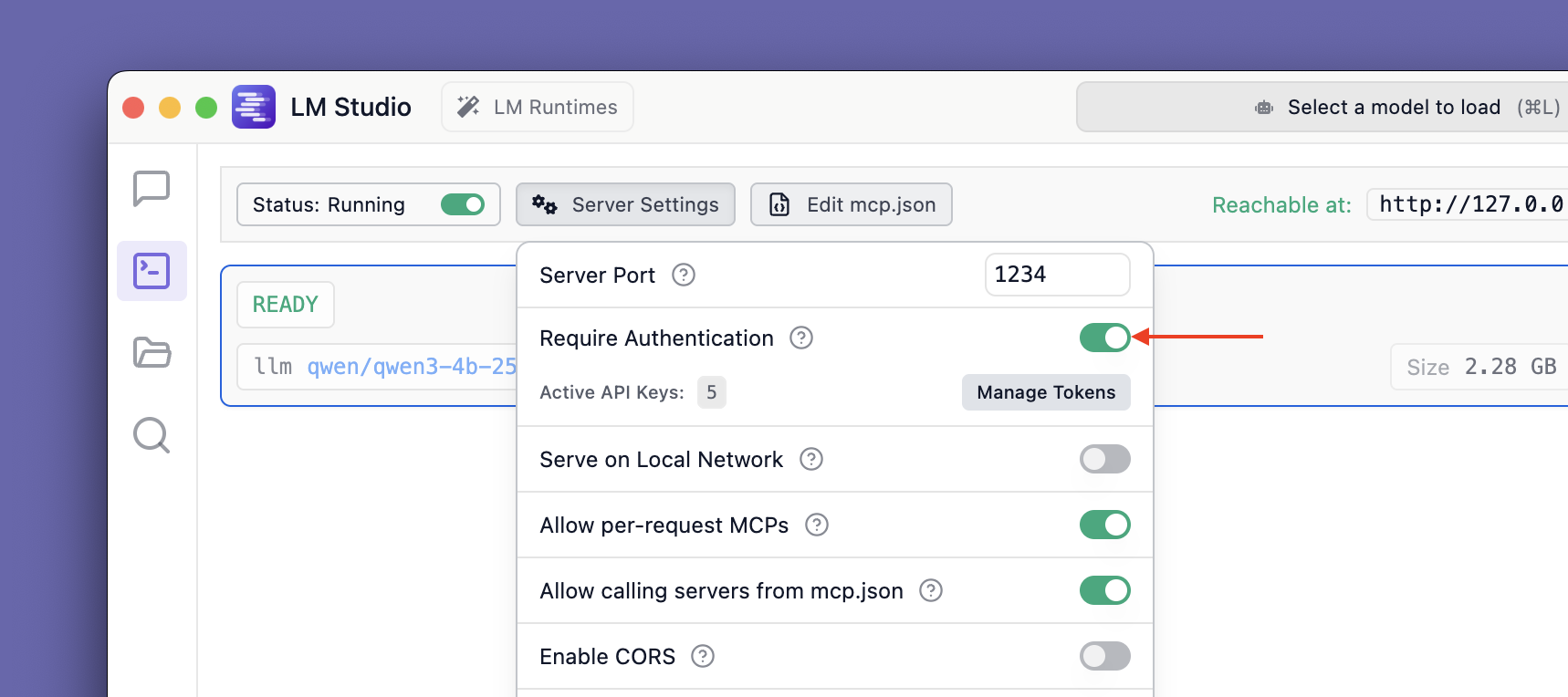
By default, LM Studio does not require authentication for API requests. To enable authentication so that only requests with a valid API Token are accepted, toggle the switch in the Developers Page > Server Settings.
Info
Once enabled, all requests made through the REST API, Python SDK, or Typescript SDK will need to include a valid API Token. See usage below.
Creating API Tokens
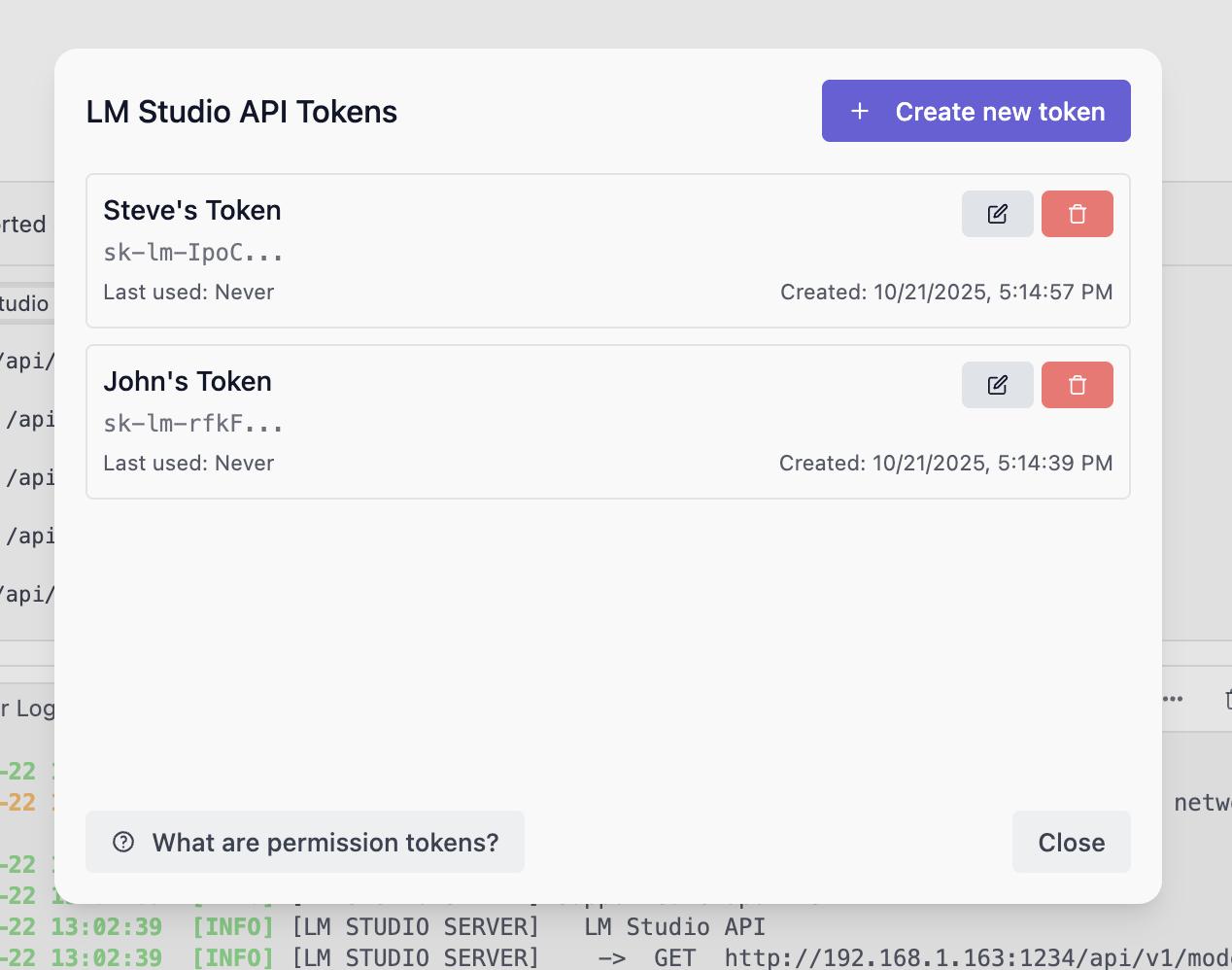
To create API Tokens, click on Manage Tokens in the Server Settings. It will open the API Tokens modal where you can create, view, and delete API Tokens.
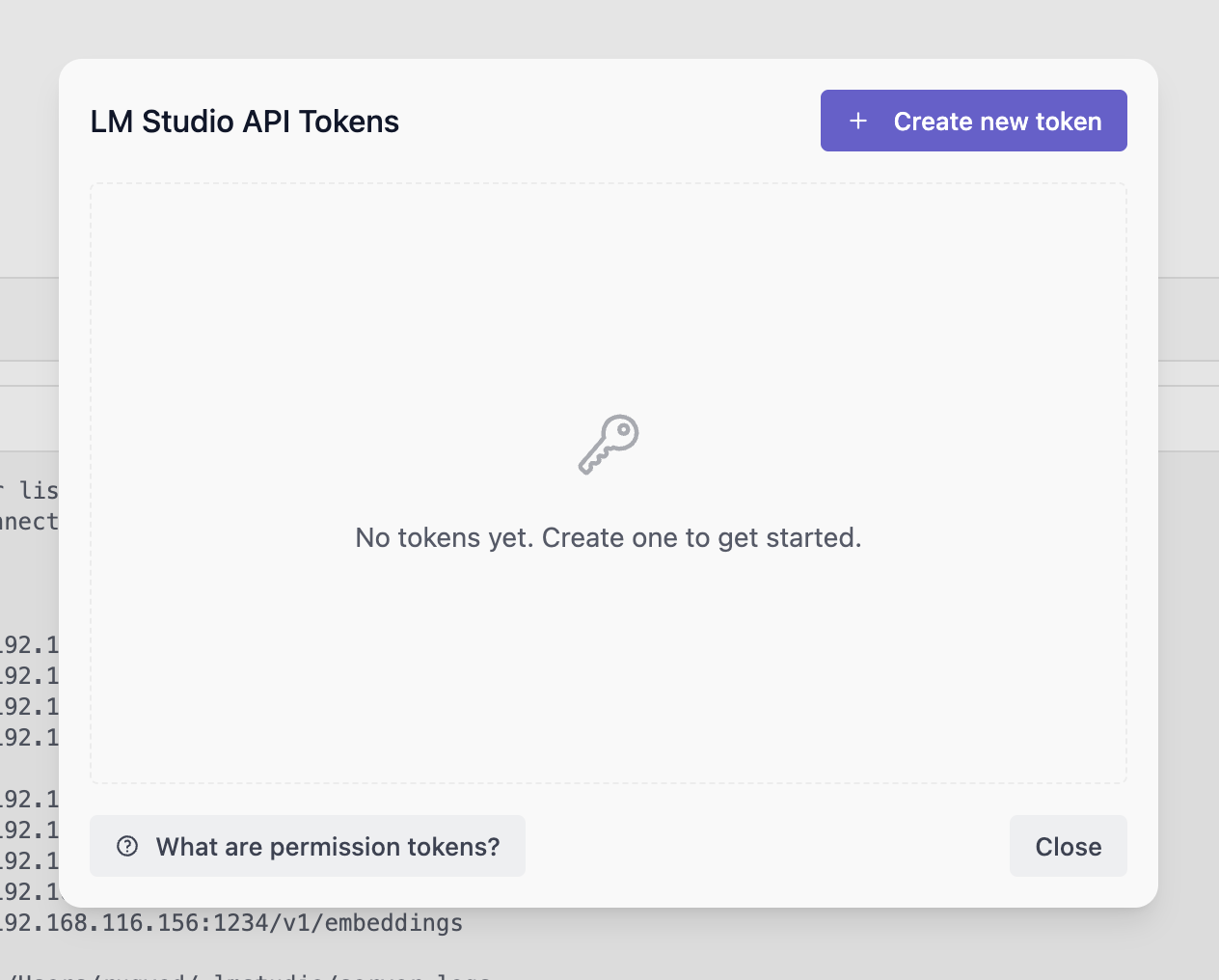
Create a token by clicking on the Create Token button. Provide a name for the token and select the desired permissions.
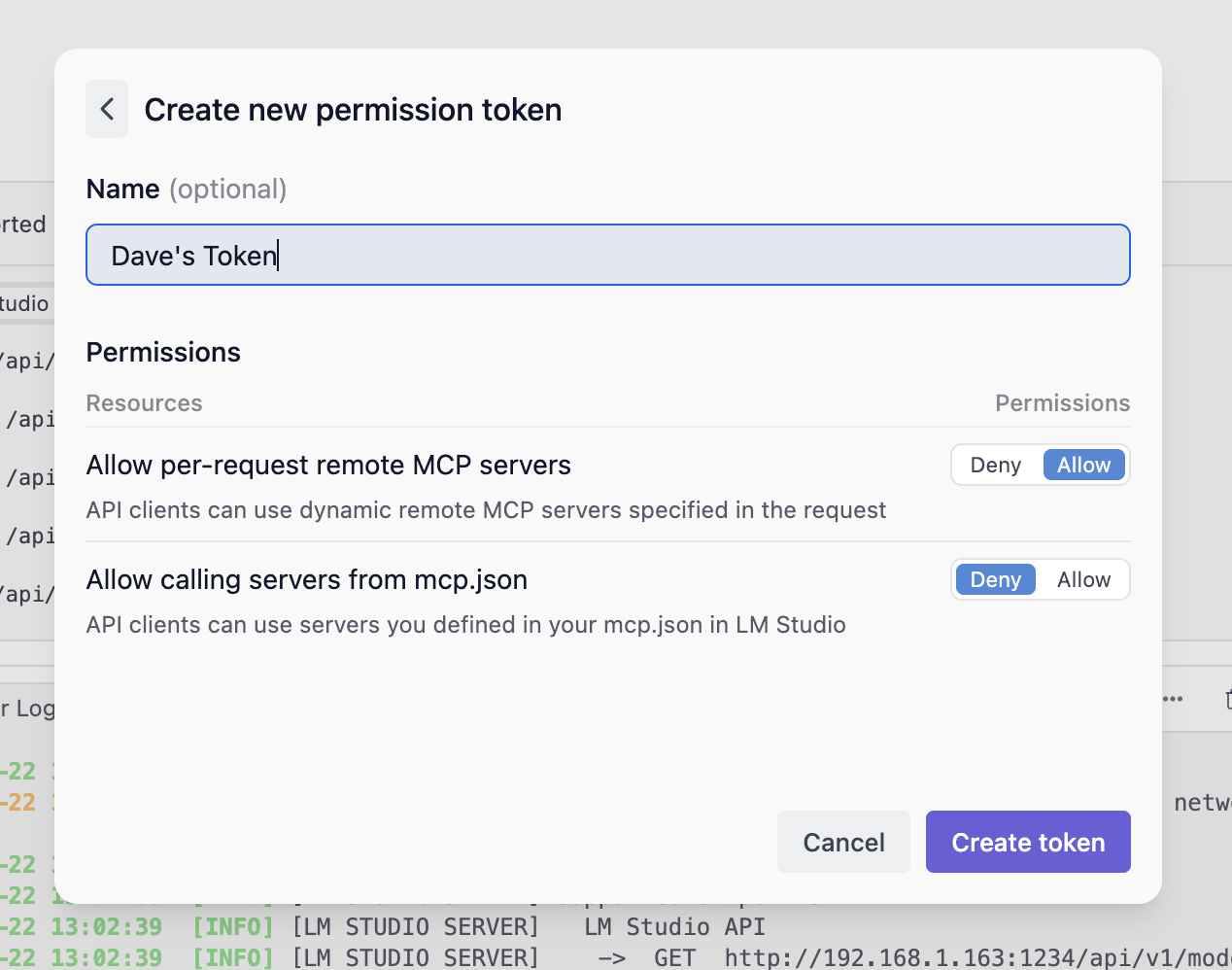
Once created, make sure to copy the token as it will not be shown again.
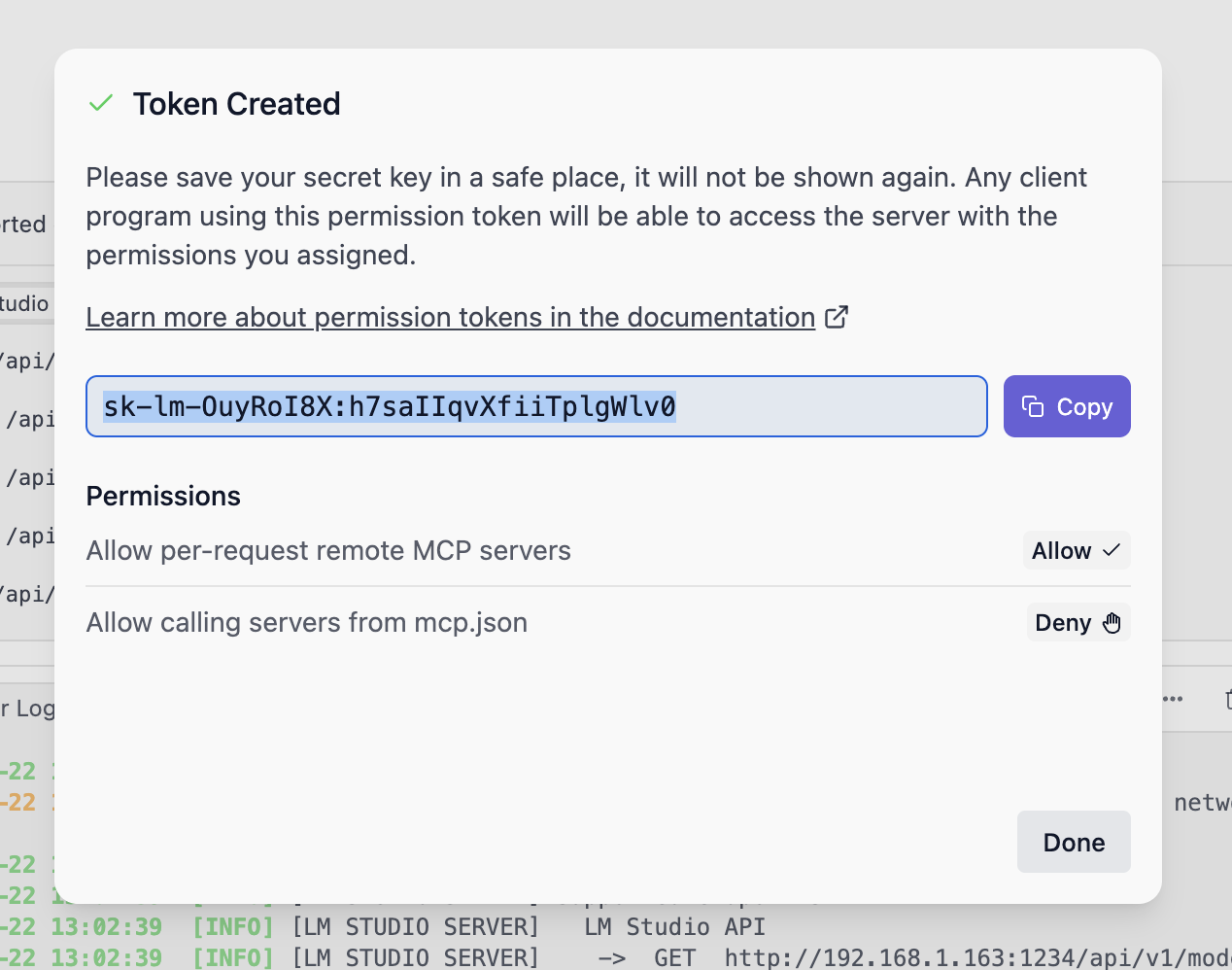
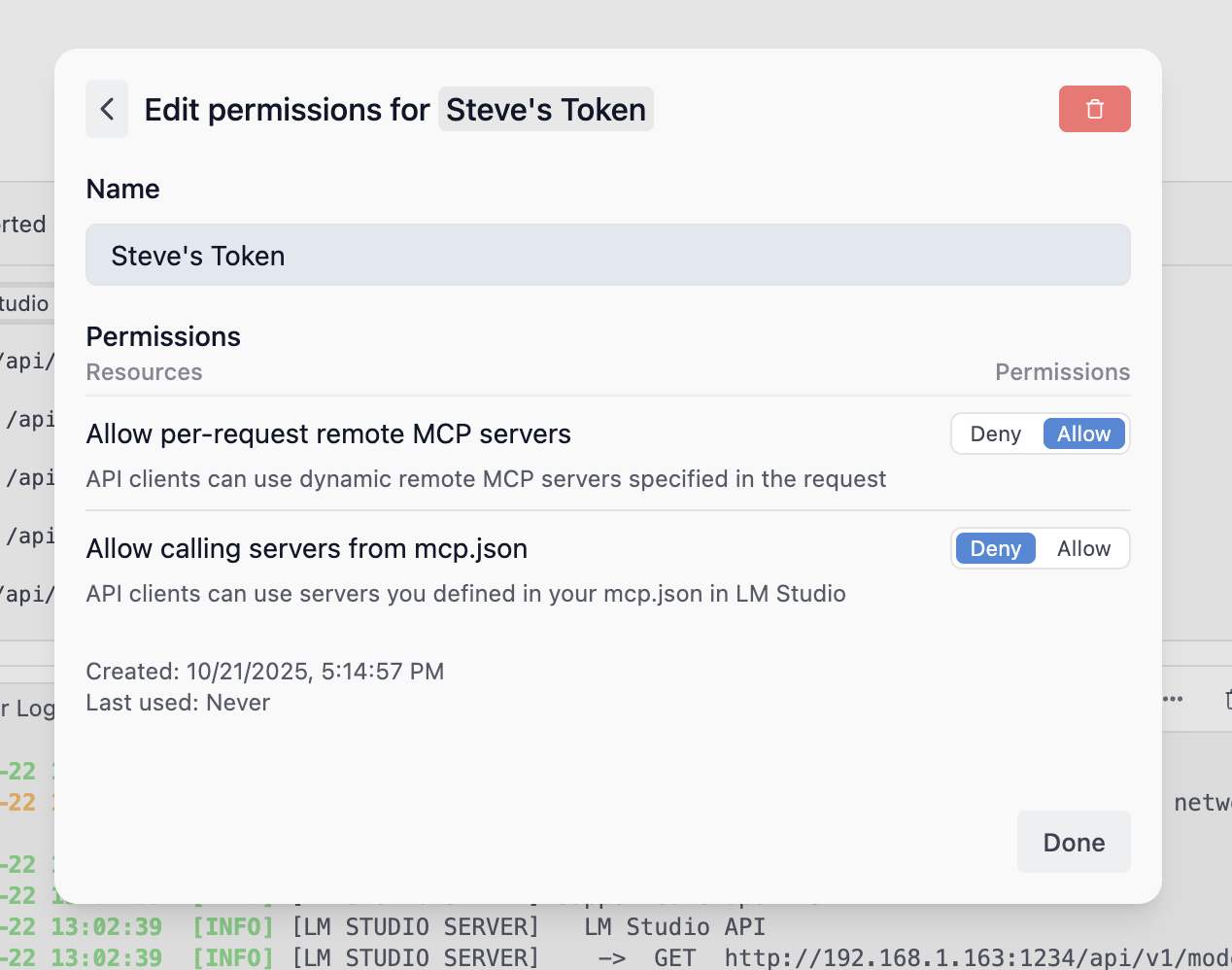
Configuring API Token Permissions
To edit the permissions of an existing API Token, click on the Edit button next to the token in the API Tokens modal. You can modify the name and permissions of the token.
API Token Usage
Using API Tokens with REST API:
Note
The example below requires allowing calling servers from mcp.json to be enabled and the Playwright MCP in mcp.json.
curl -X POST \
  http://localhost:1234/api/v1/chat \
  -H "Authorization: Bearer $LM_API_TOKEN" \
  -H "Content-Type: application/json" \
  -d '{
    "model": "ibm/granite-4-micro",
    "input": "Open lmstudio.ai",
    "integrations": [
      {
        "type": "plugin",
        "id": "mcp/playwright",
        "allowed_tools": ["browser_navigate"]
      }
    ],
    "context_length": 8000
  }'
Using API Tokens with Python SDK
To use API tokens with the Python SDK, see the Python SDK guide.
Using API Tokens with TypeScript SDK
To use API tokens with the TypeScript SDK, see the TS SDK guide.