
Claude Code
Use Claude Code with LM Studio
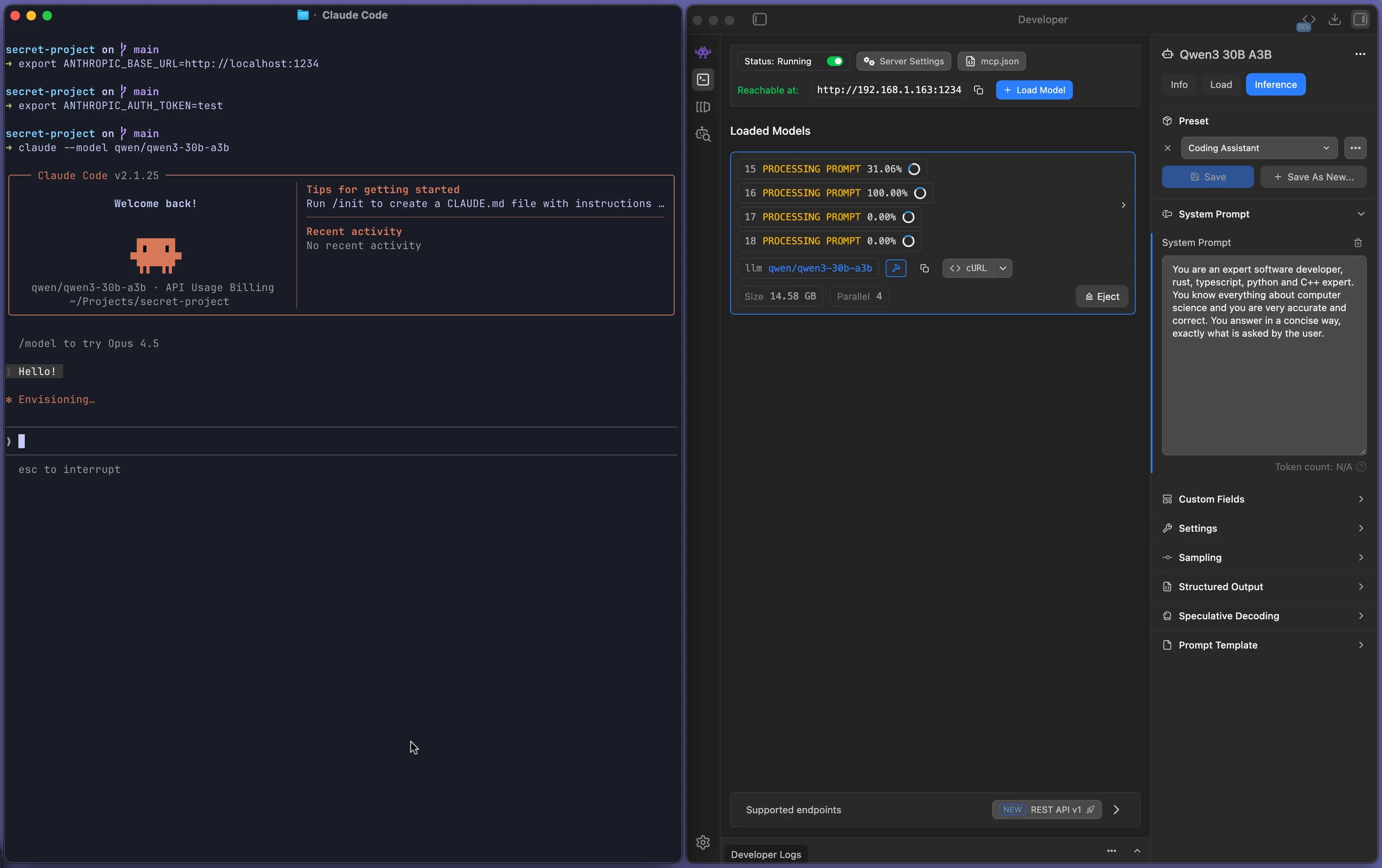
Claude Code can talk to LM Studio via the Anthropic-compatible POST /v1/messages endpoint.
See: Anthropic-compatible Messages endpoint.
Pro Tip
Have a powerful LLM rig? Use LM Link to run Claude Code from your laptop while the model runs on your rig.
Setup
Start LM Studio's local server
Make sure LM Studio is running as a server (default port 1234).
You can start it from the app, or from the terminal with lms:
lms server start --port 1234Configure Claude Code
Set these environment variables so the claude CLI points to your local LM Studio:
export ANTHROPIC_BASE_URL=http://localhost:1234
export ANTHROPIC_AUTH_TOKEN=lmstudio
Notes:
- If Require Authentication is enabled, set
ANTHROPIC_AUTH_TOKENto your LM Studio API token. To learn more, see: Authentication.
Run Claude Code against a local model
claude --model openai/gpt-oss-20bPro Tip
Use a model (and server/model settings) with more than ~25k context length. Tools like Claude Code can consume a lot of context.
If Require Authentication is enabled, use your LM Studio API token
If you turned on "Require Authentication" in LM Studio, create an API token and set:
export LM_API_TOKEN=<LMSTUDIO_TOKEN>
export ANTHROPIC_AUTH_TOKEN=$LM_API_TOKEN
When Require Authentication is enabled, LM Studio accepts both x-api-key and Authorization: Bearer <token>.
If you're running into trouble, hop onto our Discord